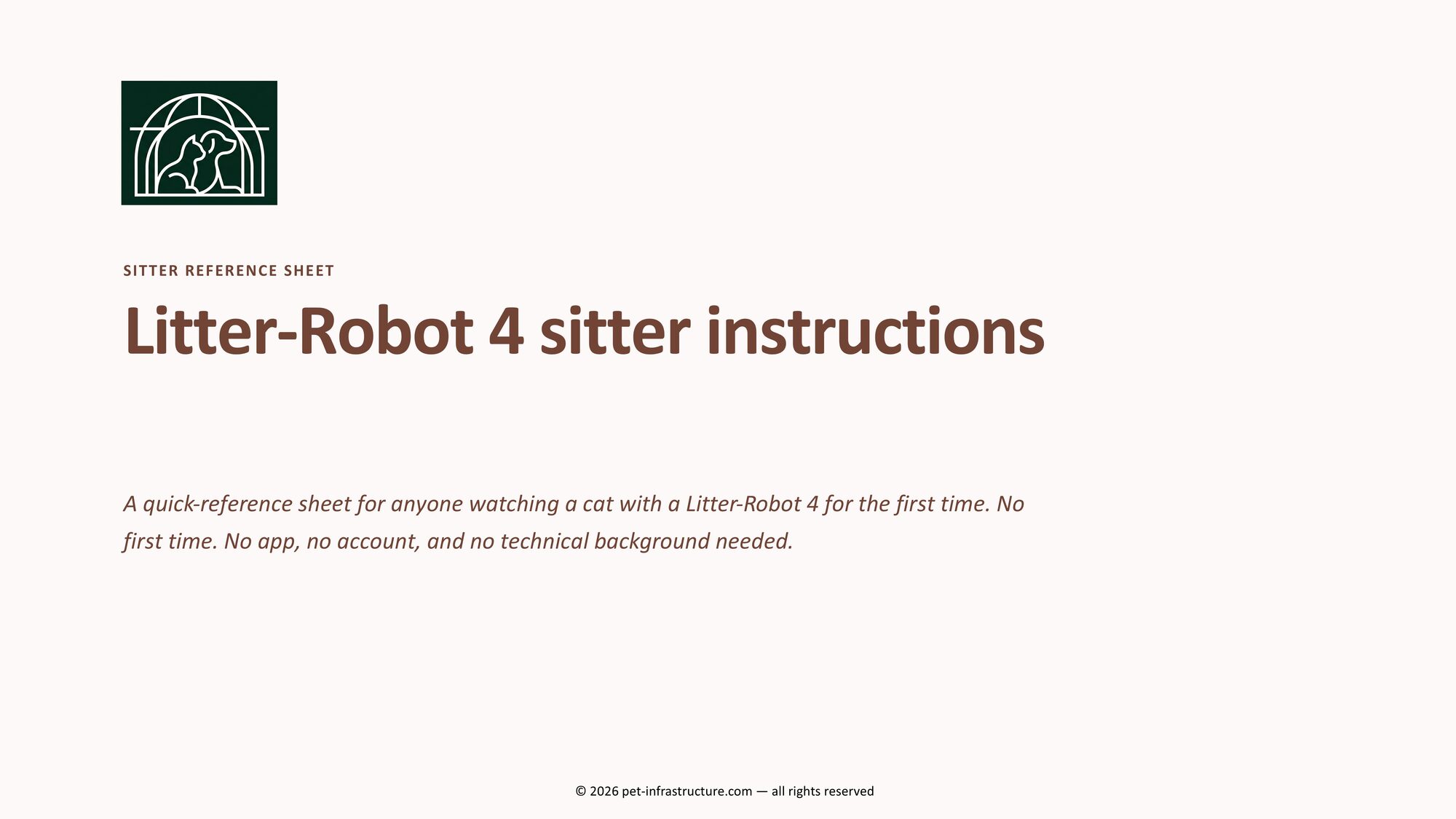
Litter-Robot 4 sitter instructions that tell your sitter exactly what to do
A printable PDF. No app, no account, no jargon — just what's normal, what to fix in under a minute, and exactly when to call you. Leave for the airport without wondering what your sitter will do if that light turns yellow.
- 11-page PDF, ready to print
- Print it, fill it in by hand — 5 minutes
- Built from documented LR4 faults
You've briefed the sitter on food and walks. The litter robot? Good luck.
Before a trip, most owners write down the easy stuff: feeding times, the vet's number, where the leash lives. Then they get to the Litter-Robot and either skip it entirely or scribble "it's automatic, don't touch it" on the way out the door.
The problem is that a Litter-Robot 4 doesn't behave like anything else in the house. The light changes color on its own. A cleaning cycle starts by itself, sometimes with a sound the sitter has never heard. The app says "offline" for no obvious reason. None of that is a fault most of the time — but a sitter who's never seen it has no way to know that, and the one time they guess wrong is the time something actually breaks.
So you end up with one of two outcomes: a stream of "is this normal?" texts landing while you're trying to be on vacation, or a sitter who stays quiet and hopes for the best — which is worse.
Why a rushed text message isn't enough
It's not that owners don't try. It's that the usual ways of handing this off all fall short in the same predictable way.
A generic pet-sitter template
The printable pet-sitter checklists you'll find online are built for feeding schedules, medication, and walks. Under "litter box," they leave you one blank line — because whoever wrote it has never had to explain what a solid-red-versus-flashing-red light means on a $700 robot.
A handwritten note the morning you leave
Written in a hurry, it covers whatever you happen to remember at 6am — usually not the two or three edge cases that actually cause problems, like a stuck globe or a sensor that needs a dry wipe instead of a wet one.
"Just open the manual"
The official manual is written for setting the unit up, not for a sitter glancing at a flashing light mid-visit. Nobody is going to search a 40-page PDF standing in your kitchen with the cat waiting.
"Just use the app"
That means creating an account, sharing access, and hoping the sitter's phone cooperates. And when the app shows "offline" — which happens often and is usually harmless — a sitter without context assumes the worst.
Built from real Litter-Robot 4 fault reports, not a guess
This sheet comes from pet-infrastructure.com, the same site behind 14 documented Litter-Robot 4 repair bulletins built from the manufacturer's own documentation and real owner-reported faults. We already know which light patterns are genuinely normal, which ones need a one-minute fix, and which ones mean "stop and switch to the backup box." That's what got distilled into this quick-reference PDF.
Two things make it different from a generic checklist:
A decision, not a description
Every row answers the only question that matters in the moment: do this now, and call the owner — yes or no. No paragraph to read while the cat is waiting.
A safe default, always
When something doesn't match the sheet, the instruction is the same every time: don't force it, switch to the backup litter box, and text you a photo. The sitter is never left guessing.
Exactly what's on the sheet
-
1
The light ring key
What solid blue, solid red, cycling yellow, sleep-mode purple, and every flashing pattern actually means — and which ones aren't a problem at all.
-
2
Sitter & cat info block
Cat's name, your contact info, vet, emergency backup, Wi-Fi, litter type, and backup box location — print it and write it in by hand once, before you leave.
-
3
The quick-reference troubleshooting table
What you see → is it normal → do this now → call the owner? One glance, one action, for every situation a sitter is likely to run into.
-
4
Detailed notes for the trickier cases
For the handful of situations that need more than a one-line answer — spelled out in plain language, only if the quick action on the table doesn't fix it.
-
5
The "if in doubt" backup-box protocol
A five-step fallback that always keeps the cat covered and costs nothing, for the situations that don't match anything else in the sheet.
-
6
What to do if the owner doesn't answer
The backup box covers the cat's immediate needs — this is when to loop in the vet or emergency contact instead of waiting indefinitely.
-
7
Common sitter mistakes to avoid
The wrong litter, forcing a stuck globe, unplugging mid-cycle, liquid cleaner on the sensors — the handful of things that actually risk the drive motor or the sensors, spelled out in plain language so a $700 unit doesn't turn into a repair bill.
-
8
A daily log, with a filled-in example
A short space to jot each check, plus a sample entry so the sitter knows exactly how much detail is enough.
3 rows, copied word-for-word from the actual sheet
What it actually changes
No app required
Works even if your sitter never installs anything or the app decides to show "offline" for no reason.
Print and pin it up
Print the troubleshooting table and tape it up, instead of a group chat thread the sitter has to scroll back through.
Every row says "call or not"
Removes the guesswork that actually causes damage — forcing a globe, unplugging mid-cycle, the wrong cleaner.
A safe default, built in
"Switch to the backup box and text a photo" covers every situation the table doesn't. Nothing is ever left to a guess.
Ready in five minutes
Print it, jot down the cat, vet, and emergency contact info by hand, and it's handled — done before you finish packing.
Use it every trip
Buy once, print again for the next sitter, the next trip, the next house-sitting cousin.
Who this is for
✓ This is for you if
- You own a Litter-Robot 4 and someone else is watching your cat — a neighbor, family member, or a sitter booked through a platform like Rover.
- You've already had a "what does this light mean?" text land at the worst possible time.
- You want the sitter to make a good call without needing to reach you first.
- You'd rather hand over a printed sheet than retype the same instructions before every trip.
✕ This probably isn't for you if
- You don't own a Litter-Robot 4 — light patterns differ by model, so this sheet won't map cleanly to a Litter-Robot 3 or a different brand.
- You're looking for a repair or technical deep-dive — that's what our free diagnostic bulletins are for, not this sheet.
- You need a full multi-pet template covering feeding, medication, and walks — this sheet is Litter-Robot-specific only.
Designed as a companion to your regular pet-sitter instructions — not a replacement for them.
Frequently asked questions
What should I tell my pet sitter about my Litter-Robot 4?
At minimum: what the normal light colors look like, what to do if the drawer fills or the light starts flashing, and who to contact if something looks wrong. The sitter sheet covers all three, plus your cat and emergency contact details, so you're not typing it out from memory before every trip.
Is it safe for a sitter to use the Litter-Robot 4 without the app?
Yes. The unit runs on its own — the app is a remote-control layer on top, not something the sitter needs to operate it day to day. The sitter sheet is written specifically so nobody needs an account, a login, or the app at all.
What if the light does something my sitter has never seen before?
The sheet's default answer covers that case directly: don't force anything, switch to the manual backup litter box, and text you what they saw with a photo if possible. It's a safe fallback that costs nothing and buys time until you can weigh in.
Does this replace texting me, or will my sitter still reach out?
Honestly, it won't eliminate every message — and it isn't meant to. What it changes is the kind of message you get: instead of "what do I do?", it's usually "just a heads up, all fine" or a photo with a clear next step already taken.
What format is it, and do I fill it in on my computer or by hand?
It's a printable PDF you download instantly after checkout. It isn't a digital form — there are no fillable form fields — so you print it and write in the cat, vet, and emergency contact details by hand, then leave it by the litter robot or send a photo of it to your sitter, whichever is easier.
What if I'm not happy with it?
Email us within 7 days of buying it and we'll refund you, no questions asked — compliance@pet-infrastructure.com.
Do you cover other Litter-Robot models or other smart litter boxes?
This specific sheet is built for the Litter-Robot 4's light patterns and behavior, which differ from other models. For troubleshooting other devices, browse the full diagnostic bulletin library — it's free.
Litter-Robot 4 sitter instructions
Printable PDF. $4.99. Ready before your bags are packed.
No subscription, no account, no app to configure. Print it, fill it in by hand, and your sitter has a clear answer for the light — every time, so you can actually enjoy the trip.
Less than a takeout coffee, for peace of mind on a $700 machine.
Get the sitter sheet — $4.99 →Instant PDF download after checkout, via Payhip (opens in a new tab) · not happy with it? Full refund within 7 days, no questions asked.
Get free Litter-Robot 4 alerts instead
Occasional emails — new diagnostics as we publish them, plus reminders when it's time to check a wear part. No spam, unsubscribe anytime.